


Effective Dealflow management is defined by the small actions investment teams repeat every day. This blog covers six Taghash UI improvements designed to make pipeline review, deal updates and deal context easier to manage.

Tanupreet Kaur
Oct 29, 2026
-
5
min to read
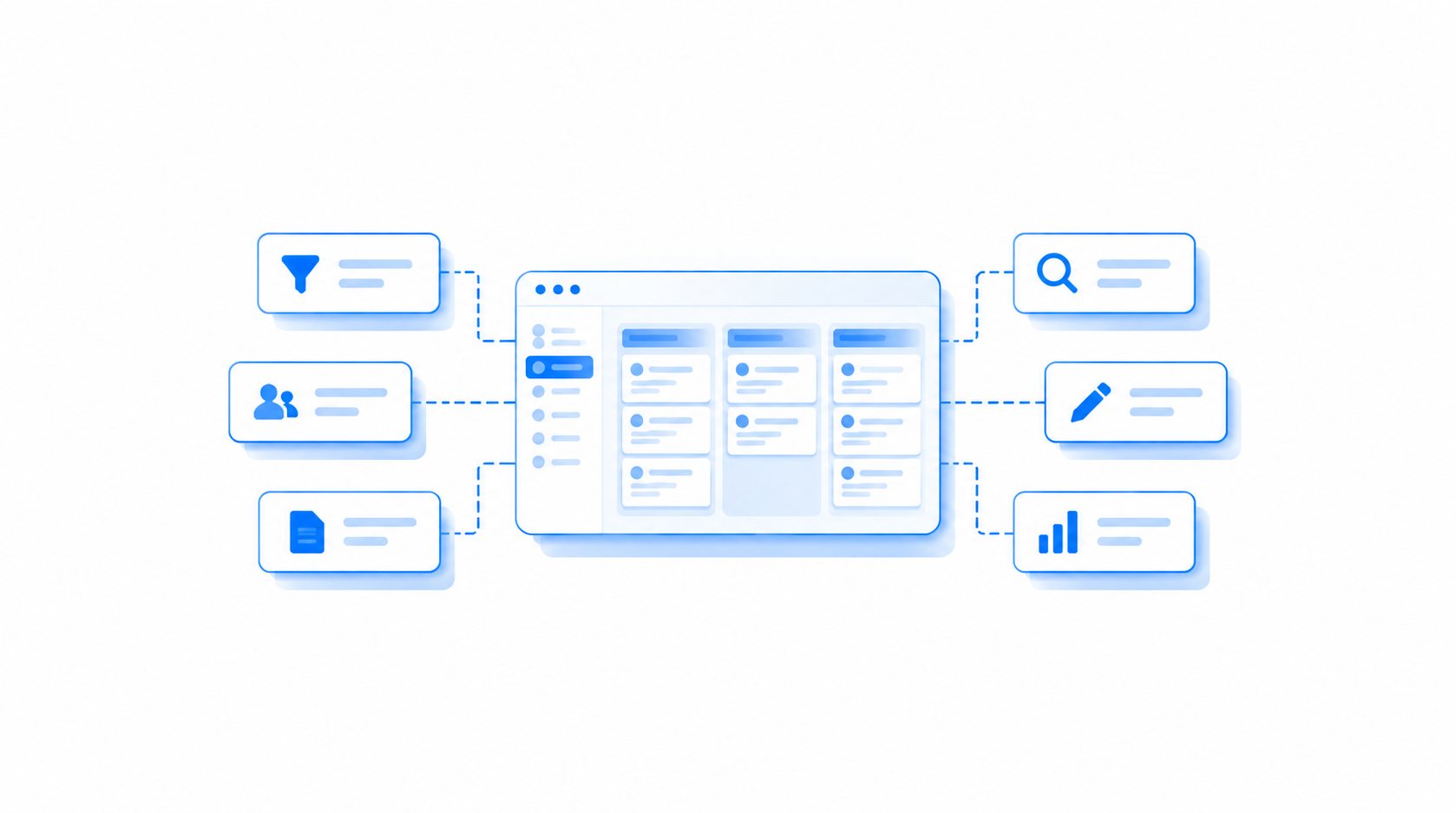
Reviewing deals means switching between pipeline views, filtering records, updating information, and checking notes. When these everyday actions take extra clicks, even small tasks can become frustrating.
We've revamped the interface across all Taghash Dealflow-related pages to make reviewing deals, managing records, and working with pipeline information more intuitive.
You can rearrange columns, filter records directly from the table, adjust your workspace, and do more with deal notes.
Here's a closer look at the six improvements.
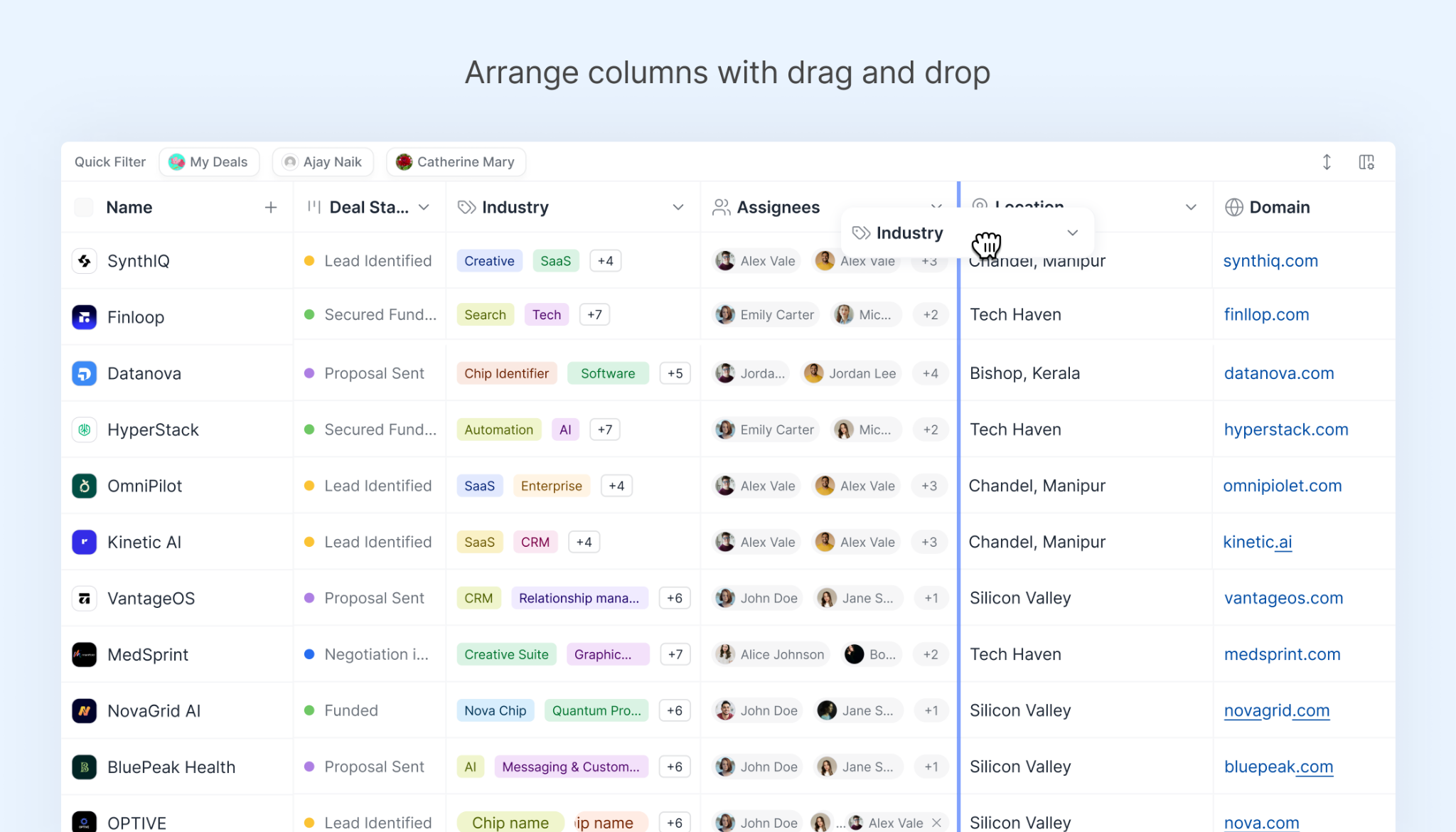
Different teams focus on different information when reviewing a pipeline. You might want to see a company's stage first, while someone else may prefer to start with its sector or other details.
Column rearrangement was already available in Dealflow. Now, you can drag and drop columns into your preferred order. Keep the fields you check most often within easy reach and organize your pipeline around the information you need.
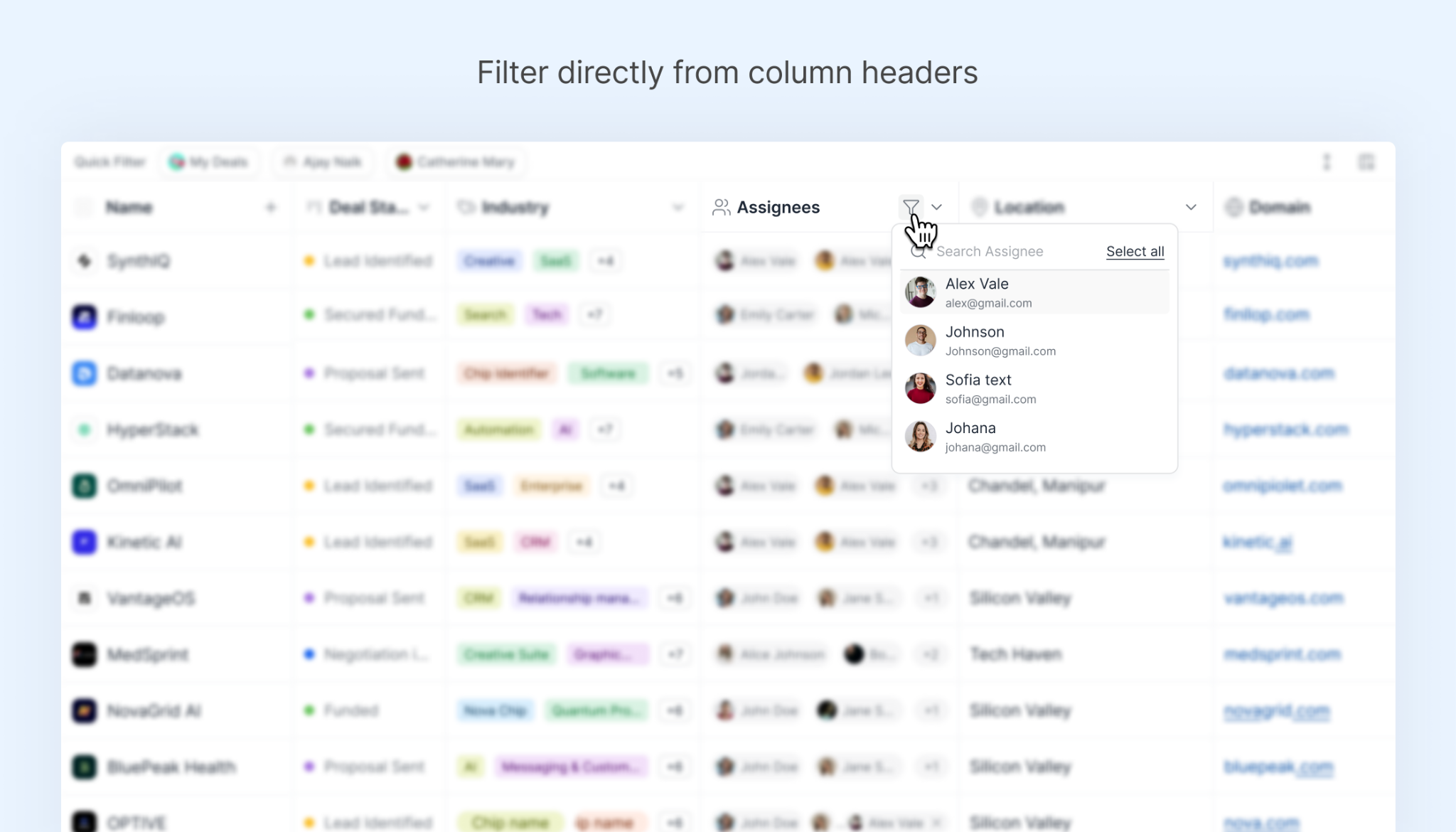
Need to narrow down your pipeline to a specific set of deals?
You can now apply filters directly from column headers in Dealflow. There's no need to open a separate filtering interface.
This gives you a quicker way to find the records you need, especially when you're reviewing deals across different fields.
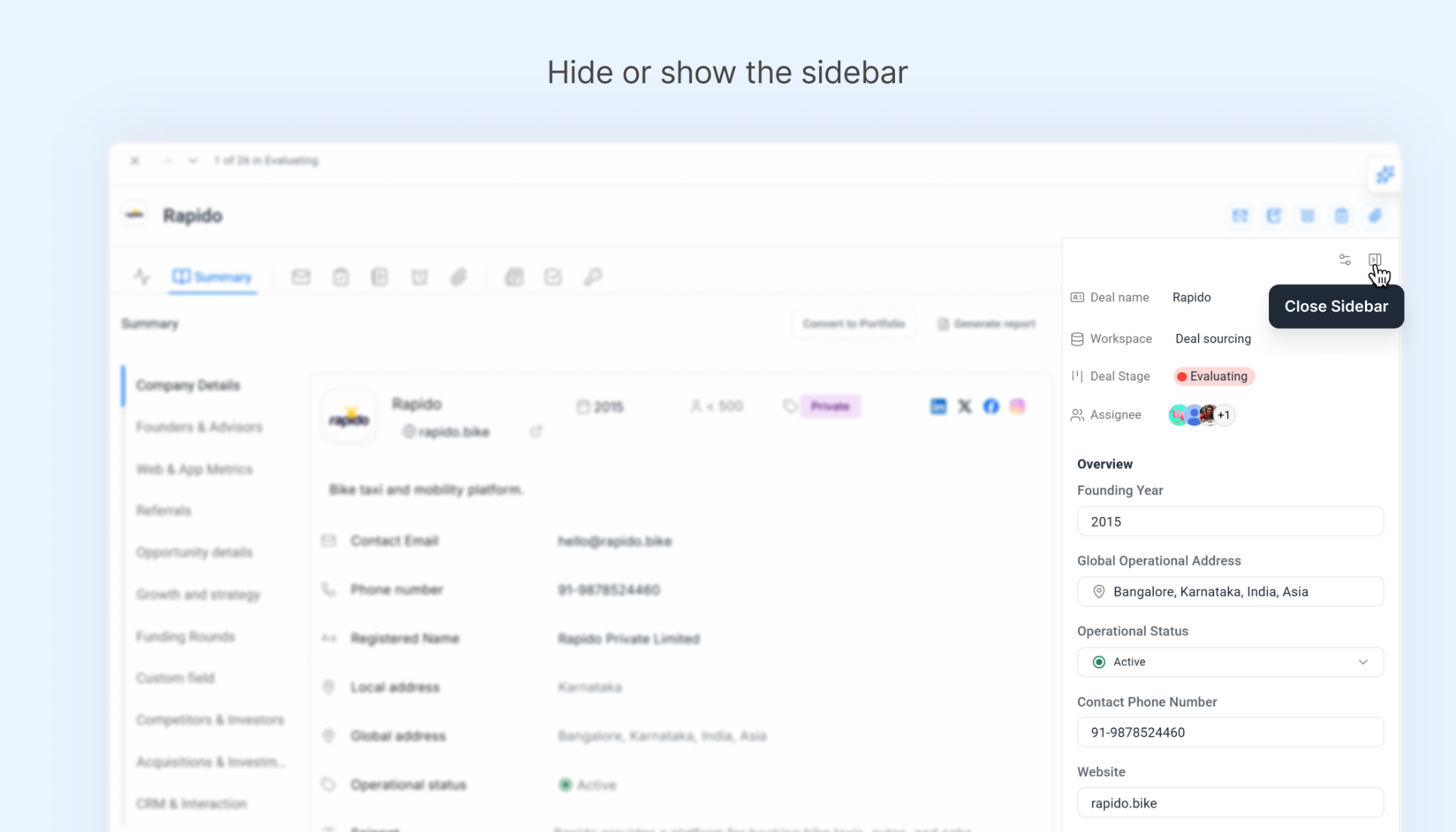
Sometimes, you need more space to review a deal's information.
Taghash now lets you hide or show the left sidebar when you're on an individual deal page.
Hide it when you want more room to work, and bring it back when you need it. You can adjust the layout without leaving the deal you're reviewing.
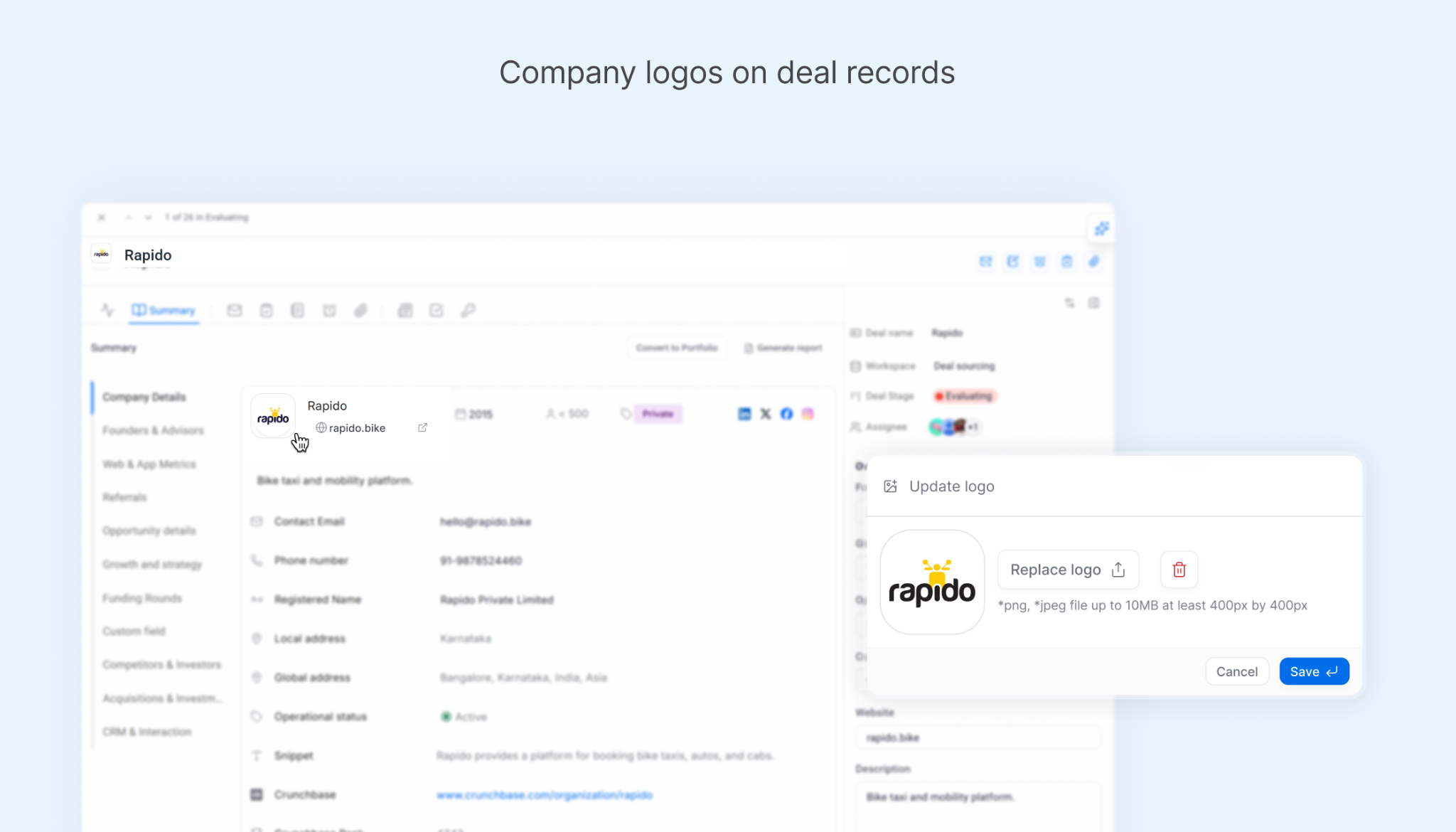
A company name isn't always the quickest way to recognize a deal, especially when you're scanning a long pipeline.
You can now add company logos to deal records in Taghash.
Logos give you another visual reference for identifying companies as you browse and review opportunities.
Small actions like saving a record or clicking into an input field can add up when you're updating multiple deals.
We've made a couple of changes to reduce those extra steps.
Keyboard shortcuts: Use shortcuts for common actions across Dealflow. For example, you can press Enter to save.
Automatic input focus: When a popup opens, the input field is automatically focused. You can start typing straight away without clicking into it first.
These changes help you get through routine updates with less switching between your keyboard and mouse.
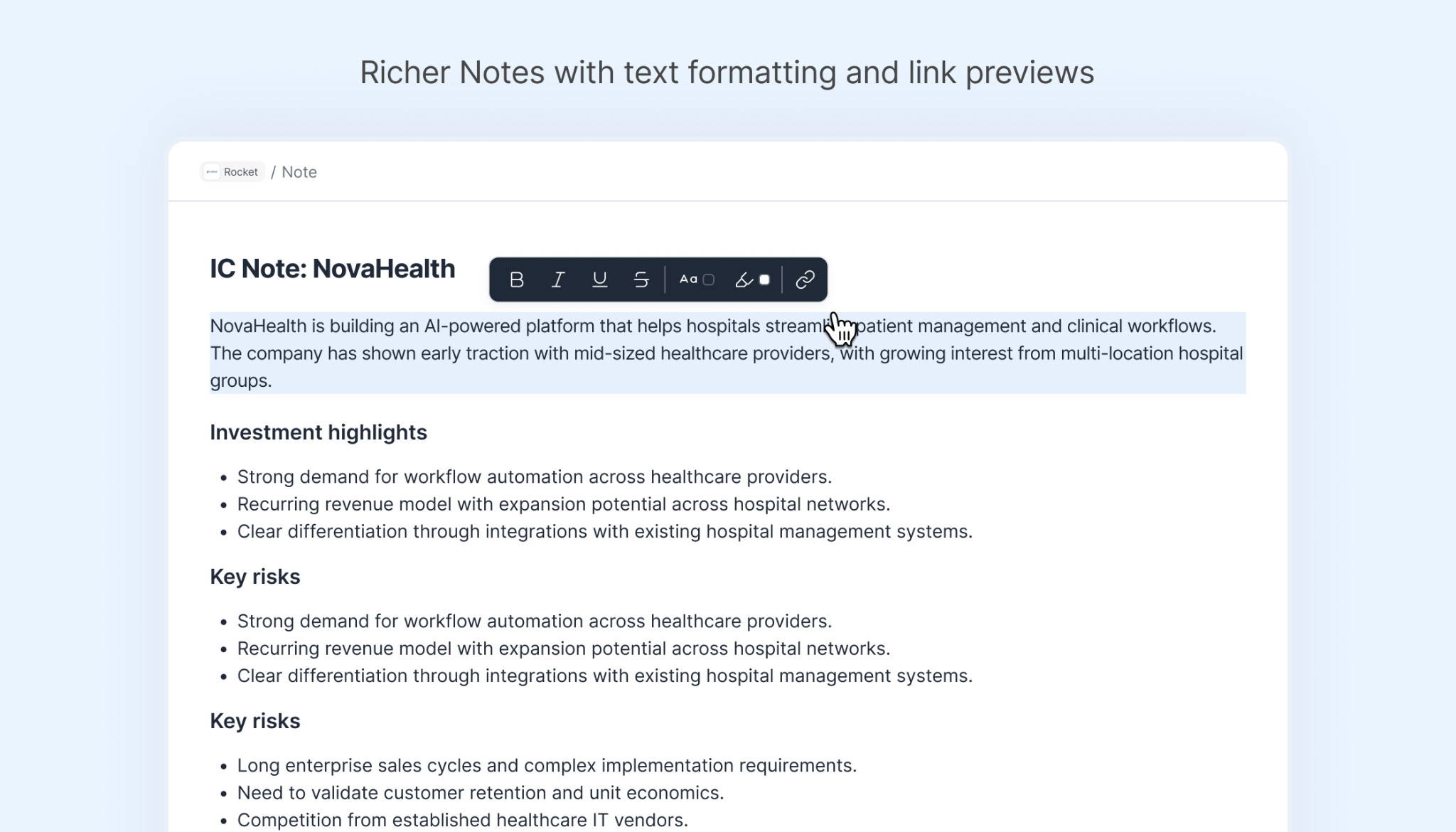
Deal notes are where teams often capture observations, meeting discussions, follow-ups, and other details that don't belong in standard fields.
We've added more formatting options to Notes so you can organize that information more clearly.
You can now use:
These additions give you more control over how your notes appear, making them easier to read when you return to a deal.
These updates make everyday Dealflow tasks more flexible, from reviewing opportunities and filtering records to updating information and organizing notes.
With deal activity, communication history, notes, documents, reminders, and next steps connected to each opportunity, your team can keep the context it needs in one place.
Explore Taghash Dealflow CRM to see how private capital teams can keep deal activity, relationship context, and next steps connected in one workspace.
About Taghash
Taghash provides an end-to-end platform for venture funds, private equity, fund of funds and other alternative investment funds. Over the last seven years, we have served as the tech arm for top VCs, helping them manage operations across deal flow, portfolio, fund and LP management.
We also offer a services layer to support execution across data management, legal and compliance, fund administration coordination, trustee and custodian interfacing and valuations and advisory.
Trusted by leading fund managers like Blume Ventures, Kalaari Capital and A91 Partners, we enable our clients to achieve greater success.
View all

Effective Dealflow management is defined by the small actions investment teams repeat every day. This blog covers six Taghash UI improvements designed to make pipeline review, deal updates and deal context easier to manage.
The debate between strategic and financial returns continues to shape how corporate venture capital is approached. This perspective argues for a different way to think about CVC, where investment discipline and strategic relevance reinforce each other.
For AIFs subject to the annual PPM compliance audit, 30 September 2026 is the reporting deadline for FY 2025-26. This guide covers audit applicability, exemptions and the key considerations for fund teams preparing for the deadline.