


Valuable investment time is lost moving deal information from sourcing channels into the pipeline. This guide shows how Taghash Zapier automations can reduce repetitive admin and keep deal information connected as opportunities move through the investment workflow.

Tanupreet Kaur
Oct 29, 2026
-
14
min to read
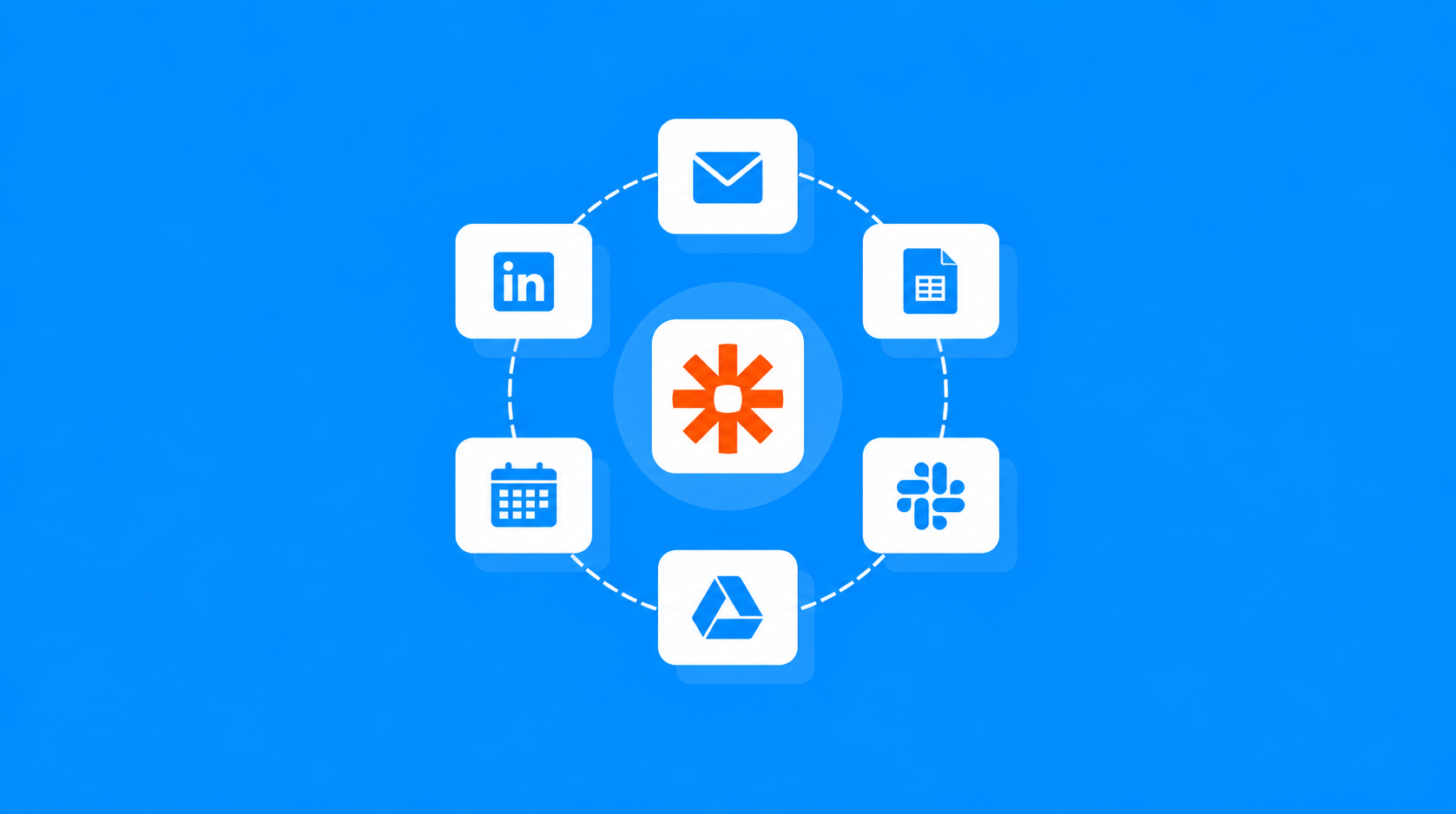
Investment teams spend a lot of time on work that happens between evaluating opportunities. Entering founder details, updating deals, sharing meeting notes, and keeping track of pipeline changes all take attention away from reviewing potential investments.
Our Taghash Zapier integration connects the tools your team already uses and routes information into Taghash, where the configured workflow logic handles the next steps.
Here are six workflows designed to help investment teams spend less time on admin and keep their deal pipeline organised.
Most Frequent Customer Ask
Automatically turn incoming founder and broker pitch emails into structured Taghash deal records through our Taghash Zapier integration and Claude AI.
For investment teams, the inbox is often the first place a new opportunity appears.
Founders and Investment bankers send pitch emails containing company information, business summaries, contact details, and pitch decks. Before an analyst can begin reviewing an opportunity, someone has to read the email and enter the relevant information into Taghash.
The process becomes harder to manage when multiple pitches arrive throughout the day.
Important details may remain buried in long email conversations. Pitch decks can be difficult to locate later, and incoming opportunities may not be added to the pipeline as quickly as the team would like.
Through our Taghash Zapier integration, incoming pitch emails are routed to Claude, and our integration maps the extracted information to Taghash fields.
When a founder or investment banker sends or forwards a pitch email, Zapier picks up the incoming message and passes its content to Claude. Claude analyses the email and extracts information such as the company name, investment summary, and founder contact details.
Our Taghash Zapier integration then creates a new deal record with the relevant information already filled in.
The workflow can also preserve the original email content and pitch deck reference in the deal's email section.
The workflow begins when a new pitch email reaches the connected inbox.
Zapier passes the message to Claude, which identifies the relevant company information and prepares a structured response.
That response may include the company name, founder email address, investment summary, and other details found in the pitch.
Instead of an analyst entering those fields individually, our Taghash Zapier integration maps the extracted information to the relevant Taghash deal fields and creates the record.
A company summary is useful, but analysts still need access to what the founder originally shared.
With that original context available in the deal's email section, analysts and partners can review the opportunity without searching through separate inbox conversations.
New opportunities can enter the pipeline with their core information already organised.
Analysts can spend more time reviewing pitches instead of entering details, while the wider investment team gets a clearer view of incoming deal flow.
Popular VC Workflow
Automatically bring founder meeting summaries, key discussion points, and attendee information from Granola into Taghash through our Taghash Zapier integration.
Founder meetings often contain information that doesn't appear in the original pitch deck.
Analysts may ask about revenue, growth plans, customer acquisition, funding requirements, or other aspects of the business. The founder's responses can shape how the team evaluates the opportunity.
But once the call ends, those details may remain in individual meeting notes.
Someone then has to organise the notes, find the matching deal in Taghash, and share the key points with the rest of the team.
Until that happens, partners and investment committee members may not have the full context of the discussion.
Granola captures the meeting conversation and prepares a structured set of notes.
Once Granola has prepared the meeting summary, the information can be passed through Zapier to our Taghash integration.
Our Taghash Zapier integration uses the available company information to find an existing deal record. If no matching deal is found, it can create a new one.
The integration then adds the meeting summary, founder responses, key takeaways, and attendee details to the deal's internal notes.
Attendee email addresses can also be extracted for contact tracking. Creating or updating separate Taghash contact records would require a supported contact action or another integration method.
After a founder call, Granola prepares the meeting notes and summary.
Once the summary is ready, Zapier passes the available information to our Taghash integration, which searches for the relevant deal record.
If a matching deal exists, our integration adds the new meeting information to that record. Otherwise, it can create a deal using the company information available in the workflow.
This helps keep multiple conversations about the same opportunity together rather than leaving notes scattered across different tools.
Our Taghash Zapier integration adds a structured note containing the main discussion points, founder responses, and meeting takeaways.
It can also capture attendee information, including email addresses supplied by the meeting data.
With that information stored alongside the deal, a partner preparing for the next conversation can review what was discussed previously.
This gives the entire team immediate access to complete call history, ensuring no critical detail is lost.
Founder meeting notes become part of the deal review process sooner.
Analysts spend less time organising summaries, while colleagues reviewing the opportunity can catch up on the discussion without searching for separate meeting documents.
Workflow Essential
Automatically create Taghash deal records when analysts schedule introductory startup meetings in Google Calendar or Microsoft Outlook.
Scheduling an introductory call is often one of the first steps in evaluating a startup.
An analyst receives an introduction, agrees on a meeting time, and sends a calendar invitation.
But creating the corresponding deal record in Taghash is usually a separate task.
Someone has to enter the startup name, identify the founder, capture the contact details, and record the meeting information.
When calendars become busy, that task can get delayed.
The result is a meeting scheduled outside the deal pipeline, with important company and founder details still waiting to be organised.
Our Taghash Zapier integration uses new events from Google Calendar or Microsoft Outlook as triggers for the deal-creation workflow.
When an analyst schedules a new introductory meeting, Zapier detects the calendar event and passes the available meeting details to our Taghash integration.
For an event titled Intro Call: Startup Name, our Taghash Zapier integration can use the meeting title and attendee information to identify the company and relevant founder email address.
Through our Taghash Zapier integration, the information collected from the invitation is used to create a new deal record in Taghash.
The meeting date, time, and other available details can also be added to the deal's notes. A link back to the calendar event can be included where the event data provides one.
The workflow begins when a new event is created in the connected Google Calendar or Microsoft Outlook calendar.
Zapier passes the invitation details, including the meeting title, scheduled time, and attendee information, to our Taghash integration.
Our Taghash Zapier integration can use a consistent naming format, such as Intro Call: Startup Name, to identify which events should create deal records.
It then extracts the startup name and founder email address, provided the required information is available and the founder can be reliably identified among the attendees.
Once the necessary details are available, our Taghash Zapier integration creates the deal record.
The integration can also record the calendar information in the deal notes, giving analysts access to the meeting schedule while reviewing the opportunity.
This helps the team identify upcoming founder conversations alongside the deals already being tracked.
It also reduces the need to recreate information that's already present in the calendar invitation.
The act of scheduling an introductory call can also begin the deal tracking process.
Analysts arrive at the meeting with the initial deal record already prepared, and colleagues can see which new opportunities are entering the pipeline.
High-Demand Automation
Automatically turn startup pitch applications submitted through Google Forms into structured Taghash deal records.
Google Forms offers a straightforward way for investment firms to collect startup applications.
Founders can submit information about their business, industry, website, contact details, and other details requested during the application process.
But receiving the application is only the beginning.
If submissions remain in Google Forms or Google Sheets, someone still has to transfer the responses into Taghash before the opportunity becomes part of the investment pipeline.
That creates extra work for analysts and leaves information across different tools.
It can also make screening less consistent when applications are entered manually or fields are recorded differently.
New Google Forms submissions are routed through Zapier to our Taghash integration.
Our Taghash Zapier integration reads the form responses, maps them to the appropriate Taghash fields, and creates a deal record.
Information such as company name, industry, website, and contact email can be used to populate the deal record.
Taghash can also receive additional responses through custom fields, where supported by the configured deal creation action.
Once the deal is created, analysts can review it as part of their usual screening process.
The workflow begins when a startup submits an application through the connected Google Form.
Zapier detects the new response and passes the submitted answers to our Taghash Zapier integration.
Our integration maps each relevant form question to a corresponding Taghash field.
For example, the industry response can populate the industry field, the company website can populate the website field, and the founder's email can populate the contact email field.
This mapping helps ensure that incoming applications follow a consistent structure.
Once the responses are mapped, our Taghash Zapier integration creates a deal record in the chosen Taghash workspace and pipeline stage.
The deal can then become part of the team's normal screening process.
Analysts can review the submitted details, apply tags, use available scoring fields, and track the opportunity through the pipeline.
Because the original application information has already been transferred, they can begin evaluating the startup without first copying information from a spreadsheet.
You can add a startup pitch form link to your website and have every new submission automatically create a deal record in Taghash.
When you open Taghash in the morning, your new deals are already there, without anyone having to manually transfer the applications from Google Forms or Google Sheets.
From there, you can configure additional filtering and tagging based on your investment thesis. For example, you can set rules to reject deals that fall below a defined traction threshold, pass on opportunities above your target ticket size, or filter out companies operating in sectors outside your firm's core investment focus.
This helps analysts concentrate on applications that match the firm's investment criteria rather than manually reviewing and sorting every submission.
Team Collaboration Favorite
Automatically notify relevant investment team members by email whenever a deal advances to a new stage in Taghash.
Investment decisions often involve several people.
An analyst may update a deal after completing an initial review. A partner may need to approve the next step, or another team member may need to prepare documentation.
But updating a deal's stage doesn't always mean everyone responsible for the next step knows about it.
Teams may rely on separate Slack messages, email updates, or recurring meetings to communicate pipeline changes.
That creates extra work and can delay follow-up when someone misses an update.
Our Taghash Zapier integration detects deal-stage changes and starts the connected email-notification workflow.
When a deal advances, for example from In Review to Term Sheet Issued, the integration passes the updated deal information to the email workflow.
The workflow prepares an email containing the deal name, its updated stage, and a direct link to the deal card in Taghash.
The email is then sent to the designated team members using the connected email service.
This keeps the people responsible for the next step informed without requiring analysts to send each update manually.
The workflow begins when a deal's stage is updated in Taghash.
Through our Taghash Zapier integration, the stage-change event is passed to the connected email workflow, which prepares the notification.
The message can include the deal name, updated pipeline stage, and a direct link to the deal card in Taghash.
Recipients can be configured based on the team's responsibilities.
For example, the notification can be directed to the partners and analysts who need to review the next step in the investment process.
Once the email is sent, recipients can review the updated status and open the deal using the provided link.
This reduces the need for an analyst to send a separate update each time a deal progresses.
It also gives the team a more consistent way to communicate important changes.
Rather than depending on someone remembering to share a milestone, the configured stage-change event starts the notification.
Pipeline updates become easier to communicate.
Partners can keep track of deals that need attention, analysts spend less time sharing status updates, and the team can respond to important milestones sooner.
Pipeline Tracking Essential
Automatically update a deal's pipeline stage when a defined action takes place within Taghash, while using the existing activity log to track stage changes and who made them.
A deal can pass through several stages before an investment decision is made.
As analysts and partners work on opportunities, certain actions within Taghash may indicate that a deal is ready to advance to the next stage.
But if the stage update requires a separate manual step, the pipeline may not reflect the work already completed.
This creates unnecessary follow-up work for analysts and can leave other team members looking at an outdated deal status.
Taghash already maintains an activity log that records stage changes and who made them. The challenge isn't documenting those changes again. It's making sure the deal stage updates automatically when a defined action takes place.
A configured automation can update a deal's pipeline stage when a specific action is taken within Taghash.
Once the defined action occurs, the automation updates the deal to the appropriate stage without requiring the analyst to make a separate manual change.
Taghash's existing activity log already tracks stage changes, including who made them, so there's no need to use Zapier to create additional timestamped notes for the same activity.
This keeps the pipeline updated while preserving the stage history already available in Taghash.
The workflow begins when a defined action takes place within Taghash.
The automation is configured to recognise that action and update the corresponding deal to the appropriate pipeline stage.
For example, when an action associated with completing a particular step in the investment process occurs, the configured automation can advance the deal to the next stage.
This removes the need for analysts to complete an action and then manually update the deal stage as a separate task.
When a deal stage changes, Taghash records the update in its existing activity log.
Team members can refer to that log to review stage changes and see who made them.
Because this information is already available within Taghash, there's no need to use Zapier to generate another note recording the same event.
Keeping pipeline stages in sync with actions taken within Taghash helps the team follow a deal's progress.
Partners and analysts can check the current stage and use the existing activity log when they need to review previous changes.
This provides the required stage history without adding another process for documenting routine pipeline updates.
Deal stages can update automatically when defined actions take place within Taghash, reducing the need for separate manual updates.
The team can follow a deal's progress using the current pipeline stage and the existing activity log, without creating duplicate notes or using Zapier for stage-change history.
These six automations address different points in an investment team's daily work.
Incoming pitch emails can become deals. Founder meeting notes can be added to the pipeline. Calendar invitations can create initial deal records, and startup applications can arrive directly from Google Forms.
Once those opportunities are being reviewed, stage-change notifications help keep the team informed, while automated stage updates can keep the pipeline aligned with actions taken within Taghash. The existing activity log maintains the history of those changes without requiring additional logging through Zapier.
With Taghash managing deal information, our Taghash Zapier integration handling the configured deal workflows, and Zapier routing information between connected tools, investment teams can reduce repetitive admin, keep information easier to find, and spend more time reviewing the opportunities that need attention.
View all

Valuable investment time is lost moving deal information from sourcing channels into the pipeline. This guide shows how Taghash Zapier automations can reduce repetitive admin and keep deal information connected as opportunities move through the investment workflow.
Effective Dealflow management is defined by the small actions investment teams repeat every day. This blog covers six Taghash UI improvements designed to make pipeline review, deal updates and deal context easier to manage.
The debate between strategic and financial returns continues to shape how corporate venture capital is approached. This perspective argues for a different way to think about CVC, where investment discipline and strategic relevance reinforce each other.